ZEN POKER
Poker in Telegram.
Choose a poker room and take a seat. Texas Hold’em for GRM with no rake — up to six players per table.
Open pokerTransfers, payments and a virtual card — in your browser or Telegram. Plus games, pets and tools for your community.
 Zen Wallet
Balances
 GRAM••••
 GRM••••
 USDT••••
Zen PayCheques, invoices and collections
USDT••••
Zen PayCheques, invoices and collections
01 / ZEN WALLET
Add funds, send money and swap GRAM, GRM and USDT. Transaction history and withdrawals are in the same app.
Choose a balance
Choose a recipient and amount
Open wallet02 / ZEN PAY
Send money with a link, invoice clients or collect funds for a shared goal.
Create a cheque and share it in Telegram. The recipient opens the link and claims the transfer in Zen.
Create in ZenSet an amount and send the payment link. Check the invoice status and related transactions in the app.
Create in ZenCreate a collection and post the link in a chat or channel. Track contributions in Zen Pay.
Create in Zen01Create a payment
02Share the link
03Track transactions
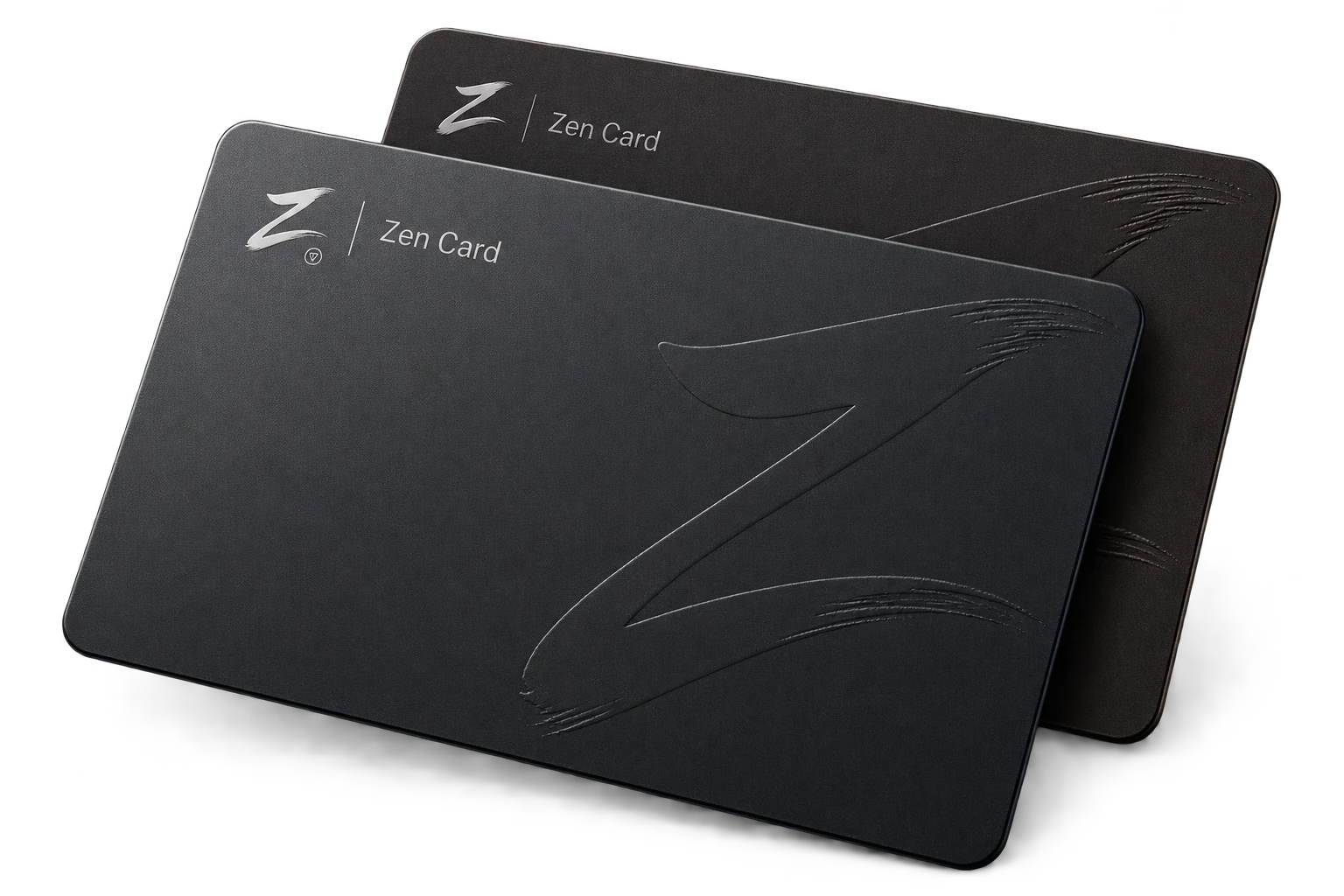
03 / ZEN CARD
Get a Zen Card and fund it from your USDT balance. Card details, balance and transactions are available in the same app.
Issuance terms and availability depend on the offer shown in the app.
04 / The world of Zen
Play poker, raise a pet and take part in your community with your Zen account.
ZEN POKER
Choose a poker room and take a seat. Texas Hold’em for GRM with no rake — up to six players per table.
Open pokerGRAM ZONE TRADE
Simulated trades and trader rankings. Choose a mode, follow your results and compare achievements with other players.
Explore game modesIn game modes, you can lose your entry amount. Simulated trades are not trades on an exchange.
05 / ZEN PETS
Feed and care for your pet, furnish its room and choose accessories. Help it grow and take part in duels.
 Miko
Miko
 Nami
Nami
 Yoru
Yoru
Tips in chats
06 / ZEN COMMUNITY
Send tips, run giveaways in chats and channels, and invite friends to Zen.
07 / GRM
Start mining once a day and move what you mine to your balance. The higher your level, the faster you mine.
Start miningOne tap and mining runs for a whole day.
From Standard to Emerald. Your level grows with your Trade turnover for the month.
Move what you mine to your GRM balance from 1 000 GRM.
The amount is not fixed: it depends on your level and on how many players mine at the same time.
08 / FAQ
Choose “Open in browser” to use the web version of Zen. Or choose “Open in Telegram” and launch the app in @SendZenBot.
Zen works in your browser and as a Mini App inside Telegram. You don’t need to install a separate Zen app.
Zen supports GRAM, GRM and USDT balances. Select one in your wallet to see the available actions and transaction terms.
Check the current terms in the app before confirming a swap, withdrawal, card issuance or card funding. They depend on the transaction you choose.
Open your Zen wallet history. Transaction details show the amount, time and status.
Transfers, payments, games and pets are all available in one app.